Base44 to the App Store: the honest guide

Daniel Frishtik
Founder of EscapeBase44 ·
Can you put a Base44 app on the App Store? Yes. Sort of. Base44 has a "Mobile app" button, people have shipped with it, and if your app is simple it can work. But there's a wall right behind that button, and most people only find it after weeks of rejections. Here's exactly what that button does, where it stops, why it stops there, and what changes when the code is yours.
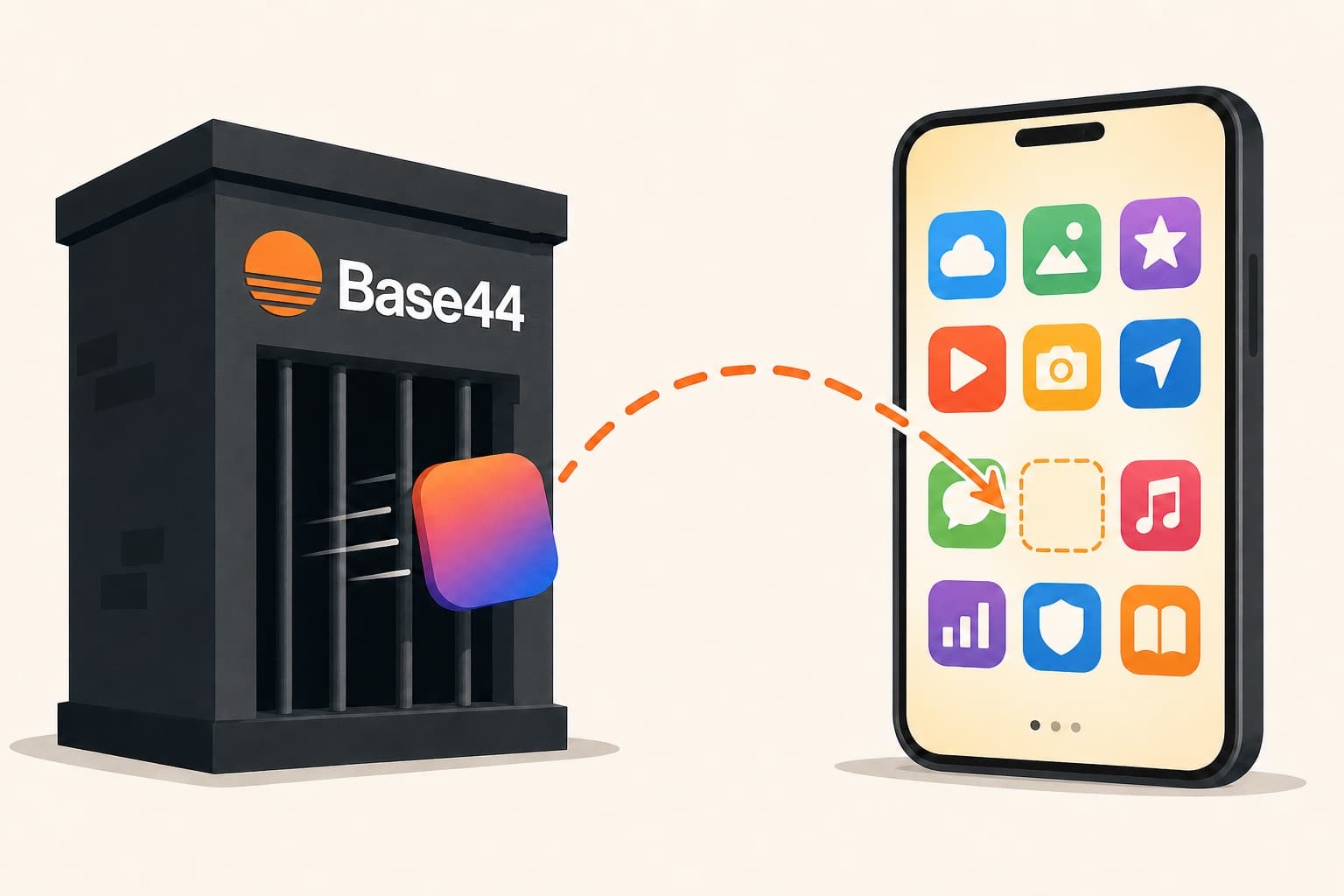
What Base44's mobile button actually gives you
Since February 2026, Base44 (on the Builder plan and up) can turn your app into the files you upload to the stores: an "IPA" for Apple, an "AAB" for Google. What's inside those files is your web app shown in a thin native window (a "webview", which is basically a browser with no address bar, dressed up as an app). There's also a scan that checks store guidelines for you. You still submit to Apple and Google yourself, from your own developer accounts. For content apps with no login and no payments, this genuinely works.
Their own docs draw the line clearly: "Native-only features such as push notifications, full offline mode, and HealthKit are not supported yet." Apple's and Google's payment systems aren't supported either. And to keep generating new builds, you keep paying for the Builder plan.
The four walls
If you're reading this, you've probably already hit at least one of them. The same four walls come up for basically everyone:
- You can't charge money. Inside a mobile app, Apple and Google require their own payment systems for digital goods (Apple calls its StoreKit; Google's is Play Billing), and they reject apps that sell subscriptions or premium features through Stripe instead. Base44 supports neither of these systems, and you can't even hide your web pricing page from the mobile build. So people end up with finished apps in the stores that literally cannot take payment.
- Google login breaks. Inside the wrapper, Google sign-in either gets blocked outright or finishes the login in a browser tab that never returns to the app. Base44's own support tells users this "cannot be fixed from Base44." Apple then rejects the app over the broken login experience.
- No push notifications. The platform blocks the plumbing push needs, so your app can't reach users when it's closed, which for most apps is the whole point of being on a phone.
- The shell is a black box. Permission texts, app identifiers, splash screens, Android system bars, build numbers: all generated for you, none editable by you. Several of these are exactly the things Apple bounces builds for, and when people ask Base44 support to change them, the answer is that it's a limitation of the wrapper and there's nothing they can do.
Why it's stuck there
All four walls have one root: on Base44 you don't control the code or the backend. You can't wrap the app properly yourself, since they control everything. Even their code export doesn't change this: it gives you frontend files, while the backend, the login system and the database stay on their servers. So even if you wrap the exported code yourself, your app still logs people in through Base44's servers, and you can't touch those. That's exactly where the Google-login dead end comes from, and why payments stay so painful: the purchase can happen in the shell, but who's premium lives on servers you can't write to.
Your options, honestly
There are really four paths from here, and the right one depends on your app:
- Stay and use Base44's wrapper. If your app is a simple content app (no payments, no Google login, no need for push), this can genuinely be enough. Plenty of people have shipped this way. Just know you're signing up for the Builder plan for as long as you want to ship updates.
- Pay a wrapper service. There's a whole industry of these (Median, Wanilla and others), from ~$50 one-time tools to $2,000+/year platforms. What you get: a nicer shell, and the serious ones add real push notifications, and a couple even wire up in-app payments. What you don't get: Google login still breaks, because it breaks on Base44's servers and nothing outside their servers can fix it. So if your app signs people in with Google, Apple can still bounce it over the login experience. And you're now paying Base44's Builder plan plus the service, every month, for an app that still isn't yours. Bottom line: if push was your only wall, this can be enough, and the pricier services can sometimes get payments working too. The login wall stays no matter who wraps you.
- Export the code and rebuild it yourself. Possible, and some determined people have done it. But the export is only the frontend: you're rebuilding the backend, the database and the login system from nothing. The people who've done it describe it in hundreds of hours.
- Migrate to code you actually own. Move the whole app -- frontend, backend, database, users -- onto your own accounts. This is the only path that removes the root cause instead of working around it: once the backend is yours, the auth wall, the payments wall and the push wall all become ordinary engineering problems with standard solutions. You can get there by hiring a developer to rebuild everything, or with a migration tool that does it automatically.
That last path is what EscapeBase44 is. I ran into these exact walls myself, wanted out, and couldn't find anything that actually did the migration, so I built it. Here's what the mobile side looks like after it.
What the migration gives you
After a migration your app is a standard React frontend plus a real backend (FastAPI and MongoDB, the same stack Base44 itself runs on), on accounts you own. The mobile side comes ready:
- Your app builds itself into a phone app. From your post-migration page: one click builds the Android app; for the iPhone you paste your Apple key once and we build it on a cloud Mac and upload it straight to TestFlight (Apple's test-install app). No Mac, no Xcode, no terminal.
- Google sign-in actually works in the app. It opens in the proper in-app browser sheet and returns you into the app, signed in, because the login system is your backend now. That's the exact thing nobody can fix from outside Base44. Email/password login is built in too, which is what Apple's reviewers want to see.
- The shell is yours. App icon generated from your logo, permissions, identifiers, splash: all in your repo, all editable. The things Apple rejects Base44 bundles for are things you can now simply fix.
- You can actually charge money in the app. Apple's and Google's payment systems come wired in: you create your products in the store consoles, tell the AI builder what they unlock, and your app charges through the real store payment sheet. Your backend verifies every purchase, so a buyer is premium on the web and in the app alike. That was wall number one, and it's gone.
- Push notifications become buildable. The migration doesn't pre-wire push, since no tool can know what your app should send. But it stops being impossible: it's your backend, so it gets added with the same standard tools every real app uses.
- No monthly platform fee to keep shipping builds. Rebuild whenever you want, forever.
Here's the app-store part after a migration: one click on the button, then the app running on a phone.
The costs nobody can remove
Whatever path you take, including staying on Base44, the stores themselves have fixed tolls. Apple's Developer Program is $99/year and has to be your own account. Google Play is $25 once, and personal accounts must run a closed test with 12 testers for 14 days before going live (organization accounts skip this). Nobody can publish for you; Apple and Google require the developer's own identity and agreements.
The review checklist that saves you a rejection round
- Selling digital goods? Use Apple/Google's payment systems in the app, and hide any web Stripe checkout on mobile before submitting.
- Offer a login that isn't just Google. Email/password counts.
- Give reviewers a demo account so they can get past your login.
- Link a privacy policy and a support page in the store listing.
- Make it feel like an app, not a website in a frame. Apple's most common rejection for wrapped apps (guideline 4.2, "minimum functionality") is exactly this; push notifications and native touches are the usual fix.
Approval is still Apple's call and can take a round or two. The list above is what actually gets wrapped apps rejected, not a guarantee.
So what should you do?
Simple app, no payments, no Google login? Base44's own wrapper may be all you need. A wrapper service can carry you a bit further if push is your only gap and the double subscription doesn't bother you. But if you want to charge money, a login that works, and an app that's actually yours, there's no workaround: you need to own the code. The migration moves everything -- frontend, backend, database, users -- onto your accounts, hands you a repo that's already mobile-ready, and builds the phone apps for you from there.
All four walls have the same fix: owning your code. That's exactly what the migration does.