How to make your Base44 app work offline

Daniel Frishtik
Founder of EscapeBase44 ·
Base44 has no offline mode, because everything your app does runs on their servers. Move the app off the platform, and offline can be built in properly.
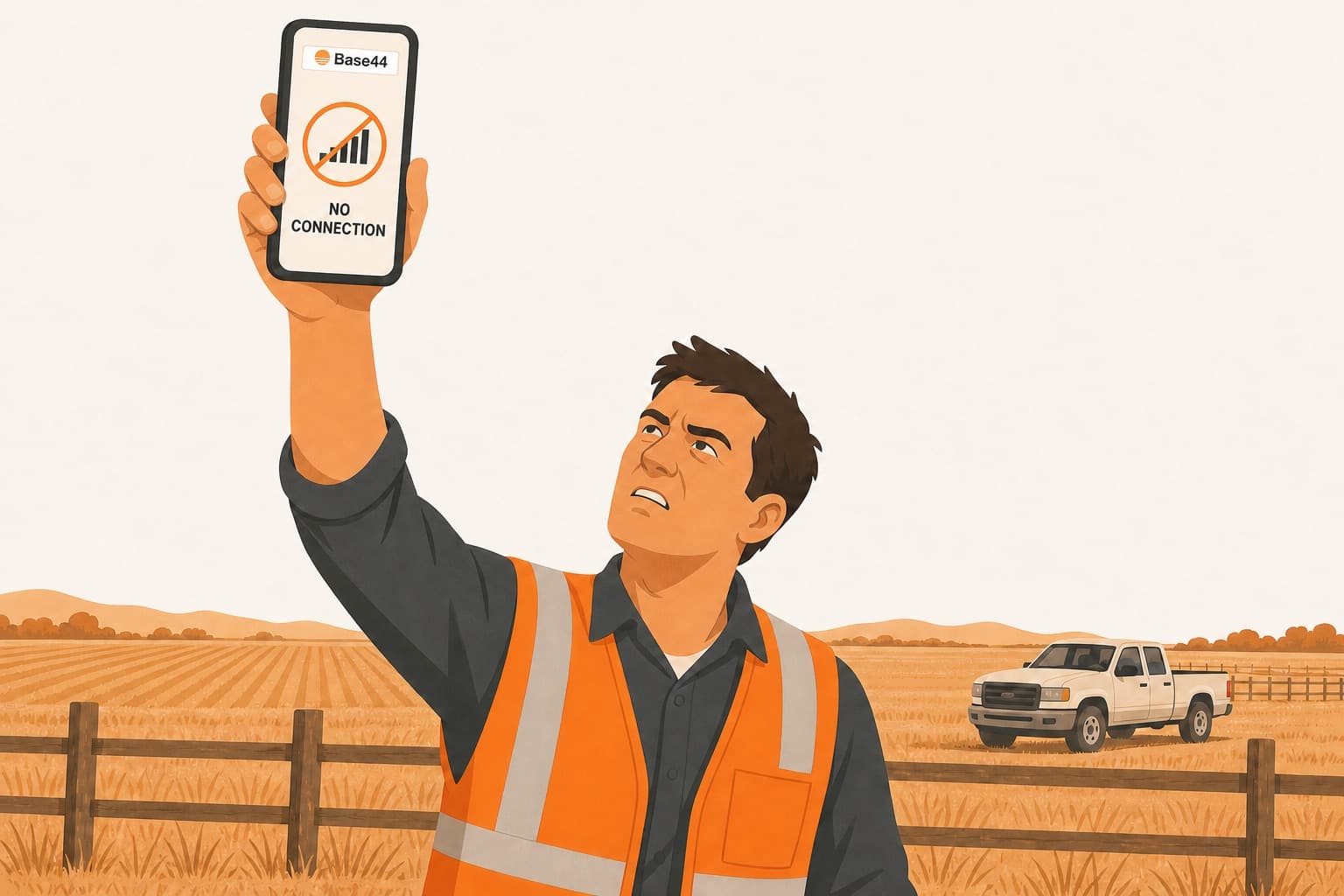
Your app is built, and it works fine at a desk. Then one of your people opens it where the work actually happens: a barn, a basement, a field with one bar of signal, a client's site with no wifi. The version from the App Store or Google Play shows a no-connection screen before your app even starts. The web version sits on the browser's no-internet page, or on a login page that won't load. A form someone filled in with no signal is gone when the signal comes back, or it's saved twice. Or nobody is out there yet, and a client has just asked whether it works offline.
A lot of apps built on Base44 are for work that happens out of range: inspections, surveys, farm visits, livestock records, pest control and water hygiene on client sites, timber crews, drivers and dispatch, event check-in at a venue with bad wifi, a point of sale where the internet drops, film sets. For those apps, working offline isn't a nice-to-have. The app has to open out there, keep what people enter, and send it up when they're back in range.
Base44 has no offline mode, and your app needs Base44's servers for everything
There's no offline setting on any Base44 plan, and Base44's docs say nothing about one. People have been asking for it on the feedback board for a year and a half, in about forty posts, and every one of them is still marked “under review”, with no answer from Base44.
And a Base44 app doesn't have a server of its own. Everything it does happens on Base44's servers: signing people in, loading every record, saving every form, running the app's logic, storing every photo. The screens are the only part that runs on the phone, and they ask Base44's servers for everything else. With no signal the screens can't reach Base44, so they can't load anything or save anything.
That's why the App Store and Google Play version shows Base44's own no-connection screen before your app even appears. It's your live website inside a thin wrapper Base44 makes, and with no signal there's no website for the wrapper to load. It's also why the web version, when it does open, sends people to a login page. Every time the app starts, it checks with Base44 who you are, and when it can't reach Base44, it treats you as signed out. An owner whose app runs timber crews wrote that it kept working as long as it stayed open with no signal. Once a worker closed it and opened it again, it asked him to log in, on a login page that couldn't load.
The offline mode you can build inside Base44 doesn't hold up in the field
Most people start by asking Base44's AI to add an offline mode. It writes code that keeps drafts on the phone, maybe a saved copy of the app's pages, maybe a queue of saves to send later, and tells you it's done. It works in the preview, where there's a connection. With no signal, the page won't even open unless the AI also built that saved copy and got it right. The drafts sit in the browser's storage, which holds a few megabytes and which the phone can clear whenever it wants. The App Store and Google Play version still shows Base44's no-connection screen. And a form that was sent, timed out and was sent again gets saved twice. Owners write about days of prompting and a pile of credits before the AI admits it can't do what it said it would.
The next step up is building it properly, the way the developer tutorials on Base44 offline lay it out. You save the app's pages on the phone, so it opens with no signal. You keep a copy of every table on the phone too. You add an outbox, a list of everything done offline that waits to be sent. And you save the login, so the app opens signed in. Some people do get there. One owner on reddit runs work orders, inventory and inspection forms this way, and wrote that getting it working was a pain, with a lot of glitches and a lot of credits. The tutorials themselves warn that it takes several rounds, that backend functions, AI, payments and email have to be switched off while the app is offline, and that when two people edit the same record, the newer edit wins and the other one is lost.
And once it's built, Base44's App Store and Google Play app still won't run it. Base44's wrapper shows its no-connection screen before any of your code loads. So you need a different wrapper, from a wrapper company like Despia or Median, or one you build yourself. That one opens offline where Base44's won't, and the app inside it is still the same Base44 app, calling Base44's servers for everything. Median says as much on its own site: a wrapper can't make a Base44 app fully offline on its own.
Either way, the server's part of offline is missing, and you can't add it from inside your app. When a phone comes back into range and sends up three hours of work, the server has to recognise a form it already received and not save it again. When two people changed the same record while they were out, the server has to notice, instead of letting whichever phone found signal last overwrite the other one's work. And the server should send each phone only what changed since it last synced, not the whole database every time. Base44's backend does none of this. A record sent twice is saved as two records, and a save simply overwrites whatever was there. Nobody outside Base44 can change a line of that backend, because it's Base44's own server code, the same for every app on the platform.
So what you can build inside Base44 is the phone's side of offline, on a server that doesn't take part. That's enough for a demo. On a real day, with two inspectors on one site and a van going in and out of range, it means duplicate records and overwritten edits, and nobody notices until a client does. A livestock app's owner listed where his version stopped: the browser storage it used was too small for thousands of animal records, edits from two devices overwrote each other, and the app still needed a connection to open at all.
Exporting the app doesn't get it off Base44, and a rebuild means a new app
At that point people look outside Base44, and they usually try one of three things:
Exporting the code and running it on your own computer or server. The screens run, but everything they do still goes to Base44's servers, because the export has the screens and nothing that runs them. So with no internet, nothing works. A YouTube tutorial promises a fully offline app from the export. It doesn't change any of this.
See exactly what Base44 export includes (and what it doesn't)- Keeping Base44 as the backend and building a native app in front of it. It's what ChatGPT suggests for field apps: a developer builds a phone app that keeps its own copy of the data on the device and syncs it with Base44 whenever there's signal. That's a development project, months of it. And the server is still Base44's, so it still can't tell a resent record from a new one, or an old edit from a newer one. The syncing is the hard part, and it has to be built around a server that doesn't take part in it.
- Rebuilding it on a tool that has offline built in. AppSheet, Google's app builder, has it: the app and its data are kept on the device, and edits wait and go out when the signal returns. But moving to AppSheet means rebuilding your app from scratch, screen by screen, in a different kind of tool built around forms and tables, with your records and your users brought over by hand. What you get is an AppSheet app, not the one you built.
On a normal app, offline is ordinary work, because the server takes part
The delivery, field-service and inspection apps that work with no signal all do it the same way. The app keeps a copy of the day's data on the device. Everything entered is saved there first, and an outbox sends it up when the signal returns. And the server does its half of the job. Every submission carries a code the phone gave it, so the server recognises a resend and drops it. Every record has a version, so an old edit is caught instead of overwriting a newer one. And each device gets only what changed since it last asked. The phone and the server are built together, by whoever owns both.
A Base44 app can't have that, because its backend belongs to Base44. The server your screens talk to is Base44's, the same one for every app on the platform, and nobody else can change it. So on Base44, offline can only ever be the phone's side.
For the whole thing, phone and server, the app needs a backend of its own. That's the hard part of leaving Base44, because the export gives you the screens and nothing that runs them. Someone has to write Base44's whole backend again before the app can run anywhere else.
How to get your Base44 app working offline without rebuilding it
My own app was stuck on Base44 too, and the only way to get it out was to write Base44's backend again myself, every part the app used: the sign-in, the database, the backend functions, the files, the AI and the emails. That took months, and then I turned it into a move any Base44 app can make. That's EscapeBase44.
Your app moves as it is: its screens, its records, the photos and files, the backend functions, and your users, who keep their accounts. Nothing in the app is rebuilt or changed. Under the app there's now a server of its own. It's Base44's backend, written again as your app's own code, and it runs on hosting you control, with the whole codebase in your own GitHub. The app on Base44 isn't touched while this happens, so your people keep using it until the new one is ready and you switch.
And because that server is now yours, offline is built into the app properly, on the phone and on the server, and delivered together with the move. For your people out in the field, that means:
- The app opens with no signal, already signed in, whether it was installed from the App Store or Google Play or added to the home screen.
- Before they go out, the day's work is already on the device: the jobs, the sites, the farms, the routes, the forms, the lists they'll need.
- Everything they do is saved on the device the moment they do it: forms, edits, photos, signatures, voice notes, locations. Closing the app or restarting the phone loses nothing.
- When the signal comes back, it all goes up by itself, photos included. Nothing is saved twice, and when two people changed the same record, nobody's work is silently overwritten.
- Whatever needs the internet, like an AI summary, a payment or an email, waits, and runs the moment the record arrives.
Every app needs something different offline, so yours is set up around what your people actually do. Before anything gets built, you and I go through it: which records go on the phone before the day starts, what happens when two people touch the same job, what can wait for the signal. It takes weeks, not the months a rebuild takes.
You keep building the app afterwards the way you did on Base44, in an AI chat that comes with the move. The code is yours too, backend included, so any developer can work on it.
Some people mean something else by offline: an app with no internet at all, on one computer or on the office network. That's a different setup, the on-premise install.
How a Base44 app runs inside your own network, with no internetYour Base44 app can work offline without being rebuilt.
Tell me what has to keep working with no signal, and you'll have a quote within a day.
Base44 offline FAQ
Can Base44 apps work offline?
No. A Base44 app needs Base44's servers for everything it does, and Base44 has no offline mode. You can build a partial one into the app's screens, and it stops at the parts only a backend can do, like recognising a form that was sent twice.
Does the App Store or Google Play version of a Base44 app work offline?
No. It's your live website inside a thin wrapper Base44 makes, and with no signal it shows Base44's own no-connection screen before your app even starts. Nothing you build into your app changes that, because the wrapper is Base44's.
Can I turn my Base44 app into a PWA or add a service worker?
Partly. Base44 apps can already be added to the home screen, and you can make the web version open with no signal by adding a service worker, a small file that keeps a copy of the app's pages on the phone. It doesn't keep people signed in, keep what they enter safe or send it up without duplicates, and the App Store and Google Play version ignores it.
What happens to records saved offline when two people edit the same one?
On Base44, whichever phone syncs last overwrites the other one's edit, and nobody is told. A form sent twice is saved twice. After the move, your own server recognises every submission and keeps a version on every record, so repeats are dropped and a clash is handled by the rule set for your app.
Can I export my Base44 app and run it on my computer without internet?
No. The export is only your screens, and every sign-in, record and save still goes to Base44's servers, so with no internet nothing works. If the app has to run with no internet at all, that's the on-premise install, on a server of your own.
Do I have to rebuild my app to get offline?
No. Your app moves off Base44 as it is. What gets rebuilt is Base44's backend, as your app's own server code, and offline is built into the app and that server together, delivered with the move.
What does the app do offline after the move?
It opens with no signal, already signed in, with the day's jobs, forms and records on the device. Everything entered is saved on the device the moment it's entered, photos and signatures included, and goes up by itself when the signal returns, once, with no duplicates and no silent overwrites.
Can my people keep using the app while it moves?
Yes. The app on Base44 isn't touched during the move, so they keep working in it until the new one is ready and you switch over. Users keep their accounts.
How long does it take?
Weeks, not the months a rebuild takes. The quote gives you the date, because it depends on how much has to work offline in your app.
What does it cost?
The more the offline part has to do, the more it costs, so there's no one number. Send the request below and you'll have a quote within a day, with the price in it.
What do you need from me?
What has to keep working with no signal. That's enough for the quote. The move itself starts from your Base44 login.