How to add 2FA, phone login or SSO to your Base44 app

Daniel Frishtik
Founder of EscapeBase44 ·
Base44 runs your app's sign-in on its own servers, so your app can't change it. Move the app to hosting you own, and you can add 2FA, phone login or SSO.
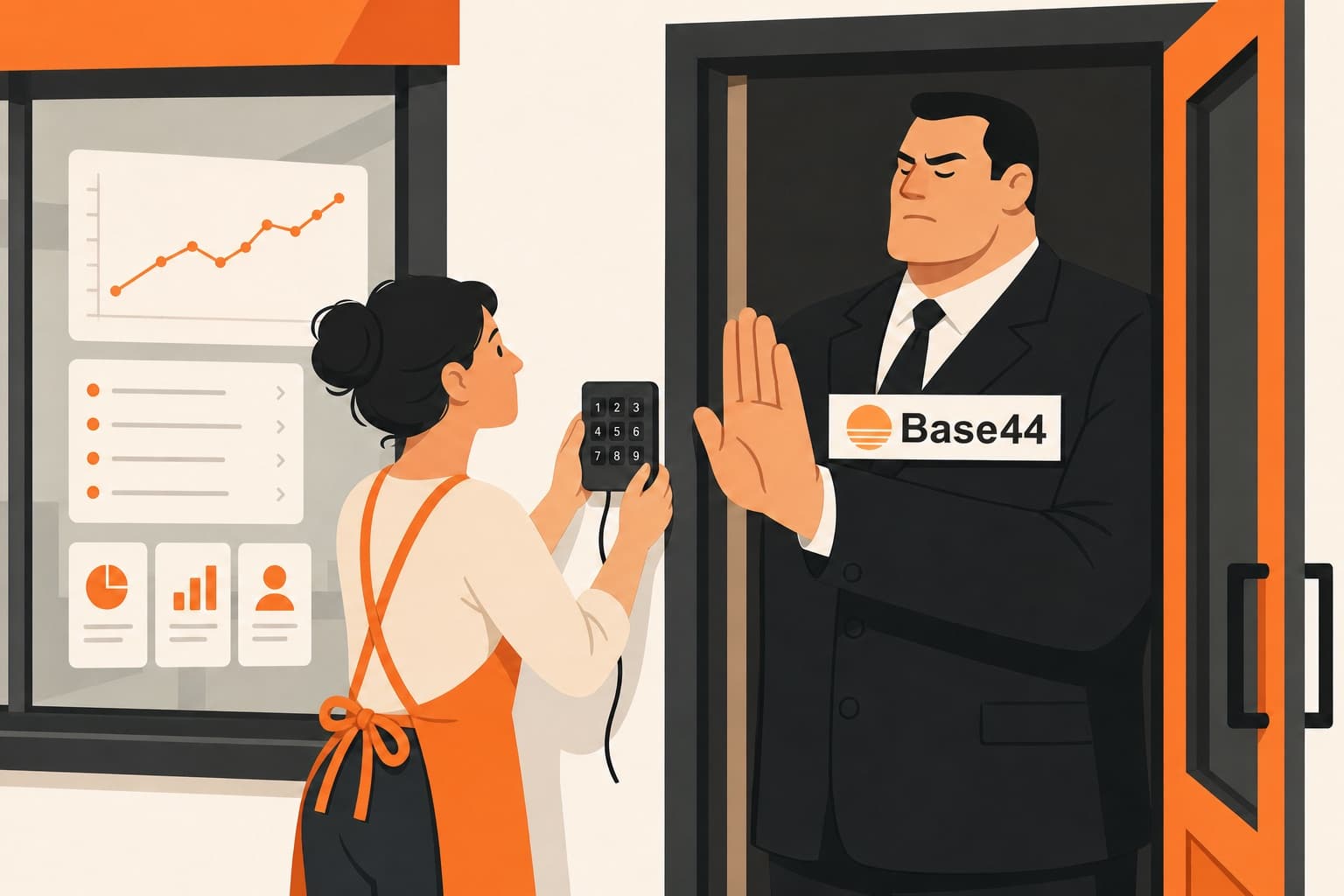
Your app has real people signing in to it, and now the sign-in has to work in a way Base44 doesn't offer. A client's IT team wants a second step before anyone gets in, or a certification does, or the app holds money or patient records and you want one yourself. Or your users hardly ever use email, and they keep asking to sign in with their phone number and a code. Or your community signs in with Discord everywhere else, or your company wants its staff to sign in with their work Microsoft accounts and nobody from outside to be able to sign up.
So you open your app's authentication settings, and the whole list is email and password, Google, Microsoft, Facebook, Apple, and SSO on the Business plan only. You ask the AI to add what you need, and it either tells you the login is managed by the platform and can't be changed, or it builds you a screen that asks for a code. You built the whole app yourself, and you can't decide how people get into it.
Your app's sign-in isn't part of your app
When someone types their password into your app, your app doesn't check it. It sends it to Base44's servers. Base44 checks the password and hands the browser a key, and from then on everything the app does goes to Base44's servers with that key: every record it opens, every file, every function, every AI call. So your app never decides who gets in. Base44's code does, on Base44's servers, and it's the same code that signs people in to every app on the platform.
Nothing you build changes that step. There's no setting for it, and a backend function can't change it either. A function can read and write your records. It has no way to sign anyone in, or to add a step to Base44's sign-in.
That's why a code screen after the password is only a screen. By the time it shows up, Base44 has already checked the password and the browser already has the key, and the key opens everything the account can open, with or without the code. Anyone who has the password can sign in through Base44 directly and never see your screen.
Base44 also tells users apart by their email address, on every plan and through every way of signing in, SSO included. So a user who has only a phone number can't exist on Base44.
Base44 does have two-factor authentication, for its own login. When you sign in to Base44 to work on your app, it can ask you for a code from an authenticator app, or by text on a paid plan. The people who sign in to your app get nothing like it, on any plan. Owners have been asking Base44 for a second step for their users on its feedback board for over a year, and for phone login too, and every one of those requests is still under review, with no answer from Base44.
Base44's sign-in has other problems too, like logins that last 90 days and a password reset that logs nobody outNone of the workarounds on Base44 makes the sign-in yours
So people look for a way to get the sign-in they need without moving the app off Base44, and they usually try one of four things:
- Ask the AI for a code screen. It adds a page after the password that asks for a code by email or text, and it looks like 2FA. It isn't. Base44 let the person in the moment the password was right, before the page ever showed, and anyone who has the password can go around it. For phone login it's the same page with a text message instead of an email, and it still comes after an email sign-in, because the person has to exist on Base44 as an email first. It can't replace the email.
- Lock the data behind backend functions that check the code. This is the only real recipe for 2FA on Base44 that anyone has published. Each table you protect gets closed to everyone, every read and write of it goes through a backend function, and the function refuses to answer until the person's code has been checked. That works for the tables you rewrite, and in the published version that's one table, for admins only, after nine prompts. To cover the whole app you rewrite every place it touches its data, table by table, on the Builder plan or above, and whatever you haven't rewritten yet still opens on the password alone. It also does nothing for phone login, magic links or a Discord button, because each of those replaces the sign-in itself, and on Base44 you can't change the sign-in.
- Let Google or Microsoft do the second step. This is Base44's own answer: offer Google, Microsoft or Apple sign-in, and people who turned on two-step verification at Google or Microsoft get asked for a code there. You can't require it, though. Anyone who signs up with an email and a password gets in on the password, and anyone whose Google account has no two-step gets in on Google alone. It holds up in one case: an internal app where every user is on your company's Google Workspace or Microsoft 365, your admin has made two-step mandatory there, and the app is set to private so nobody else can sign up. Any other app gets no second step it can count on.
- Pay for the Business plan and connect your own identity provider. SSO is the only way Base44 gives you to add a sign-in it doesn't offer itself. You connect an identity provider, a service like Okta, Microsoft Entra ID or Auth0 that signs people in for you and then passes them to Base44. That provider can ask for a second step, send a code or a magic link, or take a Discord or LinkedIn login if you set it up there, so this is real 2FA. Since October 1 you need the Business plan for it, and Business starts at $800 a month and isn't on Base44's pricing page. Before that it came with Elite at $200, and until April with every plan. That's $9,600 a year to be allowed to decide how your users sign in, plus whatever the identity provider charges. And the sign-in is still Base44's, with a provider in front of it. You get one provider per app, so an app you sell to companies can't let each of them sign in with its own Microsoft. Every user still has to have an email, so nobody can sign in with only a phone number. And owners who turned SSO on report that the Google, Microsoft and Apple buttons went away for everyone else.
Whichever one you pick, the sign-in stays on Base44's servers and your users stay in Base44's database. To get a sign-in you control, the app has to leave Base44, and the usual way to leave is to rebuild it. On another builder that means a new app: every screen built again and tested again, and your users and your data moved over by hand. Exporting the code and taking Base44 out of it yourself is the same job, because the sign-in was never in the code you can export. It's part of Base44's backend, and for anything more than a static site, replacing it means writing that whole backend again.
What Base44's export contains, and the backend it leaves behindHow a normal app signs people in
In a normal app, the sign-in is part of the app's code. Someone types a password, the app's own server checks it against the app's own list of users, and that server decides what happens next. It can ask for a code from an authenticator app, send a six-digit code by text so people sign in with nothing but a phone number, email a link that signs them in with one click, put a Discord, LinkedIn or BankID button next to the password field, or turn away any sign-up that isn't from your company's email domain. None of that is special. Apps have done all of it for years. The only reason your Base44 app can't is that its sign-in doesn't run in your app.
Getting a Base44 app there is the hard part. The sign-in, the users, the records and everything the app does with them all run on Base44's backend, and no export includes that backend. To move your app as it is, with its users in it, someone first has to write all of that backend from scratch.
How to move your app and make the sign-in yours
I did that for my own app. I'd built it on Base44 and needed it off, so I wrote everything Base44's servers did for it again, sign-in included, until it ran without Base44 at all. That took months. Afterwards I turned what I'd built into EscapeBase44, which does the same move for any Base44 app, by itself.
You start from your Base44 login, choose the app and where it should run, and the rest is automatic. The whole app moves onto hosting and a database you own, with every screen, record and file and every backend function. Your users come with it, each with their account, their role and the password they already have, so nobody signs up again. The backend comes too, as code in your own GitHub account, and the sign-in is part of that code. From then on your own server checks the password, against users in your own database. Nothing changes on your Base44 app while this happens, and people keep signing in there until you switch.
On day one, people sign in with email and password, Google or Microsoft. Microsoft works for any Microsoft account, personal or work, so a company's staff can sign in with their work accounts from the first day.
Adding 2FA, phone login or any other sign-in after the move
The move comes with its own AI builder, and you keep building the app by chatting with it, like you did on Base44. What's different is that the sign-in is now code in your app, so the builder can change it. Ask it for a second step, and it changes the login itself: after a correct password, your server sends a code by email or text, and nobody gets in until they type the right one. You choose whether that's required for everyone or optional for each user. Ask for sign-in by phone number, and people type their phone number, get a six-digit code by text and they're in, with no email and no password. A magic link, a Discord or LinkedIn button, an authenticator app for every account, or sign-up only for your company's email domain are the same kind of change.
Owners who moved have already asked for some of this. On one app, the login now sends a code by email after the password. Another makes everyone use an authenticator app, and only invited people can sign up. A third got back the company sign-in its staff had used on Base44. Some of these need an account you open yourself, like an SMS provider for the texts, which bills you per message, or a developer app at Discord or LinkedIn for their button. And all of it is your own code, so a client's IT team can read where the check happens and test it.
If your company wants its people to sign in through its own Microsoft Entra ID, Okta or Google Workspace, that's set up for you on request when you start the move. Ask for it in the form at the bottom of this page.
From then on, you decide how people sign in to your app. When a client wants a second step, you add one, and when your users want to sign in with their phone, they can. Nobody at Base44 has a say in it anymore, and nobody charges you $800 a month for it.
Move your app off Base44 as it is, and give your users the sign-in they need.
One-time, priced to your app.
See how the migration worksNeed your company's own sign-in through Entra ID, Okta or Google Workspace?
Tell me which one your company uses, and you'll have an answer within a day.
Base44 sign-in FAQ
Does Base44 support two-factor authentication (2FA) for my app's users?
No. The 2FA Base44 offers is for your own Base44 account, with an authenticator app or by text on paid plans, and it adds no second step for the people who sign in to your app, on any plan. The only way to require one is SSO through your own identity provider, which needs the Business plan, at $800 a month and up.
Can I add MFA to a Base44 app with backend functions?
Only for the tables you rewrite. A backend function can check a code before it hands out data, so you can lock a table behind one. Base44's sign-in still lets the password through, though, so covering the whole app means rewriting every read and write it makes, table by table, and none of it helps with phone login, magic links or other sign-in buttons.
Can users log in to a Base44 app with a phone number?
No, on any plan. Base44 identifies every user by email address, so an account with only a phone number can't exist, and a code by text can only be a screen after an email sign-in that has already let the person in. After the move the sign-in is your own code, and signing in with a phone number and a code by text is a change you ask the builder for.
Does Base44 support magic links or passwordless login?
No. An app's sign-in options are email and password, Google, Microsoft, Facebook, Apple and SSO, and the six-digit code Base44 emails at sign-up only confirms the address and can't sign anyone in. A link that signs someone in with one click needs a sign-in that's your own code, which it is after the move.
Can I add Discord, LinkedIn, GitHub or BankID login to my Base44 app?
Only through SSO, on the Business plan ($800 a month and up for workspaces created since October 1, 2026), with one provider per app, and only with providers that support OpenID Connect. Owners who tried Kakao and LINE this way reported it failing. On your own hosting a Discord or LinkedIn button is a change you ask the builder for, plus a developer app you create at Discord or LinkedIn.
How much does SSO cost on Base44?
$800 a month and up. Since October 1, 2026, SSO for an app's users is on the Business plan, starting at $800 a month, and that plan isn't on Base44's pricing page; workspaces created before that date keep it on Elite, at $200 a month. Until April 2026 it came with every plan.
Does Base44 support Okta, Microsoft Entra ID or Azure AD?
Yes, as the app's SSO provider, on Business or Enterprise, with OpenID Connect only and one provider per app. Every user still needs an email address, and owners report that turning SSO on switches the Google, Microsoft and Apple buttons off for everyone else.
Does Base44 support SAML?
No. Base44's SSO is OpenID Connect only, so an identity provider that offers SAML alone can't be connected to an app.
Can I limit sign-up to my company's email domain on Base44?
No, there's no setting for it. Base44's alternatives are making the app private and inviting people one by one (on a paid plan), limiting it to your workspace, or SSO on the Business plan. After the move, turning away every sign-up from outside your domain is a small change to your own sign-in code, and you ask the builder for it.
Can I use Auth0, Clerk, Supabase Auth or Firebase Auth with a Base44 app?
Not as the app's sign-in. Base44's own login is the only way anyone becomes signed in to a Base44 app, so another auth service can only sit in front of it, as the SSO provider on the Business plan, or next to it, with backend functions checking its token on every data call. The second way means rewriting how the whole app reads and writes its data.
Can a Base44 app pass Cyber Essentials?
Only if every user signs in through SSO, on the $800-a-month Business plan. Since late April 2026, Cyber Essentials fails a company that doesn't use MFA on a cloud service where MFA is available, even when the provider charges extra for it, and UK owners on Base44's feedback board say the sign-in is what fails them. After the move the second step is in your own sign-in code, enforced on your server, where an assessor can see it.
Do my users keep their accounts and passwords after the move?
Yes, and nobody signs up again. Every user comes across with their account, their role and the password they already have. The first time each of them signs in on the new app, the password is checked once against your old Base44 app, and from then on it's checked by your own server.
How do I add 2FA to my app after the move?
Ask the AI builder that comes with the move, in the same chat you keep building in. The sign-in is code in your app's own backend, so the builder can make the login send a code by email or text after a correct password, or require an authenticator app, and turn away anyone without the right code, on your own server. For codes by text you open an account with an SMS provider, which bills you per message.
Can my company sign in with Microsoft Entra ID, Okta or Google Workspace after the move?
Yes. That's set up on request when you start the move, through the form at the bottom of this page. If you don't ask for it, people sign in with email and password, Google or Microsoft, and Microsoft takes any Microsoft account, work accounts included.