Can't change a user's email in Base44? Here's how

Daniel Frishtik
Founder of EscapeBase44 ·
Base44 won't let you change a user's email or name, or add a user yourself. The only fix is to move the app, so your users live in a database you own.
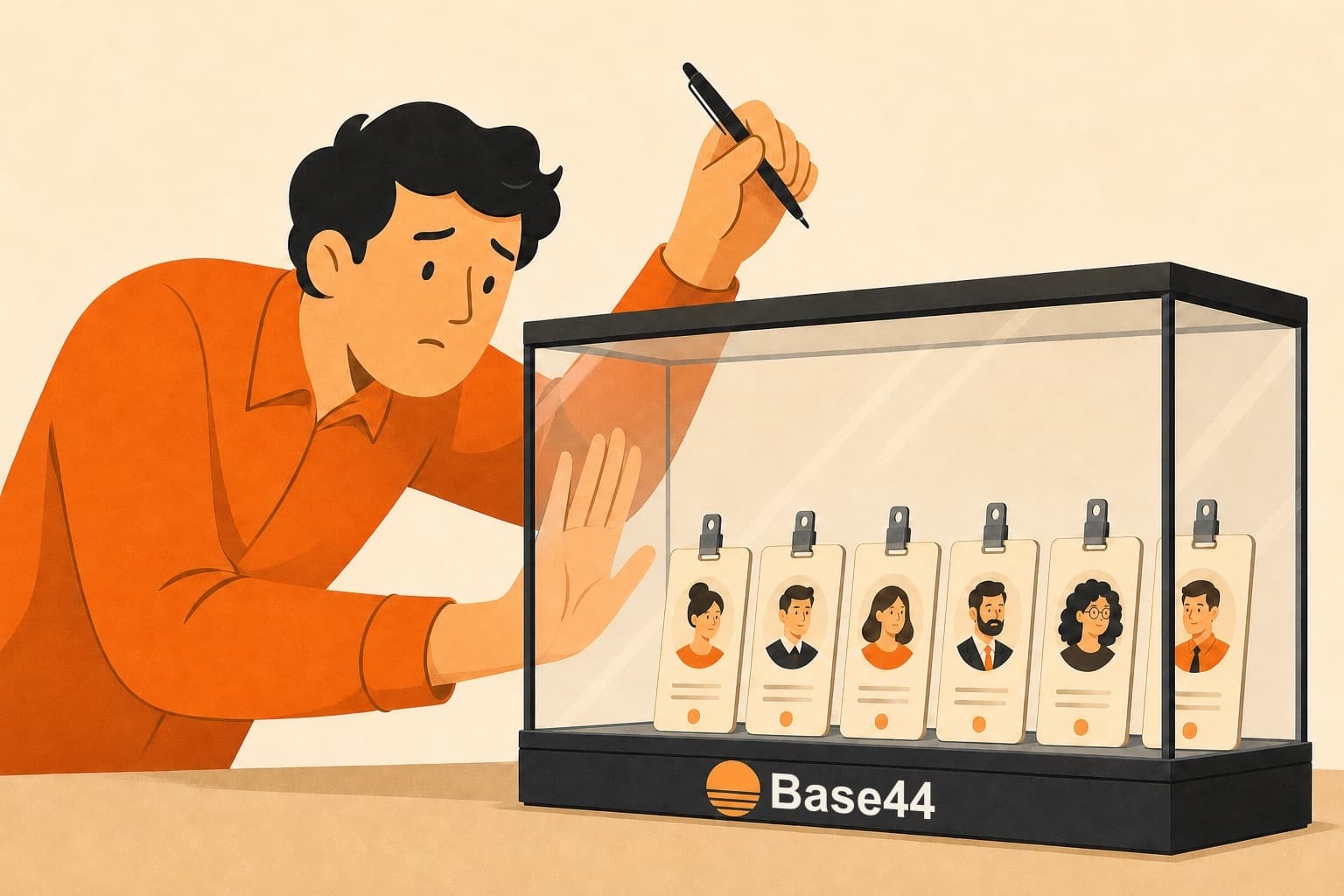
One of your users writes in. They changed jobs, or they typed their email wrong when they signed up, and they'd like their account moved to the new address. You open App Users in your Base44 dashboard, find them, and there's no way to edit the email. You ask the AI chat, and it tells you it can't, because that part is Base44's and not your app's. Then you look it up, and Base44's answer is plain: an app user's email and name can't be changed.
And it isn't only the email. Anyone who signed up with an email and a password is named after the part before the @. So every list in your app says “jsmith1987” where it should say “John Smith”, and nobody can change that either, not you and not them.
I hit this on my own app. A user asked me to change some data in their account for them, and it legit took me hours to figure out why I couldn't: Base44 wouldn't let my app get to its own users. They were my users, in my app, and I couldn't touch them.
The Users table isn't part of your app. It's Base44's sign-in system
Base44 says on its pricing page that you own everything you build on it: your code, your data, your users. In practice, owning your users means you can change their role and fill in the fields you added yourself. Everything else about them is Base44's.
That's because the Users table isn't one of your app's tables, even though it sits next to them in the dashboard. It's Base44's sign-in system, the same one behind every app on Base44, running on Base44's servers. Base44 identifies a person by their email address, so the email is the account, and a different address is a different person. Base44's own code decides who your users are, what they're called, whether they exist at all and how they get in, and no app on Base44 can change that code. So the AI chat can't change your users, and neither can any code in your app. Base44's API ignores the email and the name if you send them. And no plan changes any of it.
You can't change a user's email, their name, or who gets in
- The email can't be changed, by anyone. Not even the user can change it on their own profile. Base44's answer is to invite the new address and remove the old account, and the new account starts empty: its custom fields are blank, and every record the person created stays attached to the old address. A lot of Base44 apps show each person only the records they created, and in an app like that, the person signs in with the new email and finds nothing. So you haven't changed their email. You've made them a new user and left everything they had behind.
- The name is whatever came before the @. It's locked the same way as the email. Someone who signs up with Google gets their Google name instead, and that's locked too. Owners burn credits on this: one spent more than 30 asking the AI chat to fix a name before finding out it can't.
- You can't add a user. There's no way to create an account for someone else. You can't give a new staff member an account with a temporary password, import the members from the system you're leaving, let a client's manager add their own staff, or create the account when somebody pays. People join by signing up, or by accepting an invitation and then signing up, and each of them waits for a code. One of Base44's own staff put it plainly on their Discord: “you cant create users... users can only join.” Invitations have a daily limit too, and if you customize the invitation email, the limit drops to 20 a day on every plan except Enterprise. One owner on Base44's feedback board was moving 1,500 members over from the service they were leaving and needed to let them in without each one confirming an email first. There's no way to do that.
- Email verification can't be turned off. Every signup gets a code that works for ten minutes. Work inboxes often put it in spam, and when the code never arrives, Base44's advice is to delete the person from your Users list and have them sign up again.
- You can't disable someone. You can remove them, which signs them out and keeps them restorable for 30 days, or you can leave them in. There's no switch for “this person is on leave” or “this client stopped paying”. Base44's own record of every user even has a disabled field. You can't set it.
What owners try, and where each one leaves your users
There's usually a real person waiting on you when this comes up, so the first thing everyone does is look for a way around it without leaving Base44.
- A profile table next to the real one. This is what Base44's own staff tell owners to do: add a table of your own with the name you want, link it to each user, and tell the AI chat to use it everywhere. It fixes how names look. But the email still can't change, every user now exists in two places, and the AI chat has to keep the two in step on every screen it builds from then on. Owners who did it say it confuses their users and confuses the AI.
- Waiting for Base44. Owners have been asking for this for well over a year. The most-voted request, with 203 votes, asks to create users, make the invitation optional and deactivate users, and it has been under review since June 2025. The request to edit a user's email has been under review since November 2025, and the owner who posted it says why it matters: “Users frequently lose access to their old email accounts. Creating a new account results in duplicated users and data inconsistencies.” More than a hundred posts on Base44's feedback board ask for some piece of this, every one of them is still under review, and none of them is planned.
- A bigger plan. There isn't one that changes this. The email, the name, creating users and verification are locked the same way on Free and on Enterprise. Business and Enterprise add company sign-in, so a company's staff can log in with their work accounts, and that still doesn't let you edit a user.
- Building your own login inside the app. Some owners plan a users table of their own, with the passwords in it. Don't. You'd be building a sign-in system, with password resets, sessions and everything that can go wrong with them, on a platform that doesn't let you control the sign-in it already has. And Base44's sign-in would still be there underneath yours.
Exporting the app and leaving. Base44's code export has your screens and your functions, and nothing of your users. You can export the user list on its own, as a spreadsheet, but it has none of the login data, so it can't sign anyone in, and Base44 won't take it back in. Copy the app to another account and the users don't come at all. So everyone signs up again, which is exactly what you were trying to avoid.
What's in Base44's export, and why your users aren't
Every one of these leaves your users in Base44's sign-in system, and only Base44 can change that.
In a normal app, your users are a table in your own database
Apps that don't run on a platform like Base44 handle their users the boring way. The app has its own sign-in, as code, and the users are rows in the app's own database: an email, a name, a password, a role, whatever fields the app needs. The owner can edit a row, because it's their row. Changing someone's email means updating one field, and the person's login and records come with it, because they were always attached to the person, not to the address. Adding someone means adding a row, with a temporary password if you want one, or a hundred rows from a spreadsheet. Email verification is a setting, and disabling someone is a checkbox. It's how every app you've ever logged into works, and it's why nobody outside Base44 files a feature request to change a user's email.
A Base44 app can't do any of this, because it has no sign-in of its own. Base44 runs one sign-in for every app on the platform, keeps the users in its own database, and never gives that code or those records out.
Where your users and your data actually live on Base44, and what you can take outHow to move your app off Base44, users included
You already have the app, and you have the people in it. The only thing in the way is where their accounts live.
Moving my own app meant writing Base44's whole backend again myself, because none of it comes out of Base44. That included the sign-in: the accounts, the passwords, the verification codes and the invitations. It took months. When my app finally ran without Base44, I automated the whole thing so it works on any Base44 app. That's EscapeBase44.
Your users come with the app. They keep the same accounts, the same user IDs and the same passwords, and they keep signing in the way they do today, Google sign-in included. Nobody signs up again. Every record stays attached to the person who created it, and the custom fields and the roles come along too. Nothing happens to the app on Base44 while this runs: your users keep working in it, and you cancel Base44 once the new one is up.
What changes is where all of that lives. Your users are now a table in a database you own, and the sign-in code that reads it is in your own repository. On day one the app behaves exactly as it did on Base44, down to who can edit what, and nothing changes until you ask. When you want something changed, you ask the AI chat you keep building in, the same kind of chat you built in on Base44: “change Jane's email to her new address”, “fix these forty names”, “add our staff with a temporary password each”, “import this list of members”, “turn off email verification”, “disable this account without deleting it”. Each of those is one request, or one small job for any developer, because the code and the database are yours now.
How to run the moved app on a server of your own, if that's where you want itThere's no Base44 dashboard anymore, so the Users list isn't there either. Ask the chat for a users page only you can see, with whatever columns you want, and it builds one into your app.
So the next time one of your users writes in with a new email address, you change it. They sign in with the new address, and everything they had is still there.
Move your app off Base44 with all its users, and from then on you can edit any of them.
One-time, priced to your app.
See how the migration worksBase44 users FAQ
Can I change a user's email in Base44?
No. Not from the App Users page, not from the user's own profile, not with the AI chat and not through Base44's API. Base44's only answer is to invite the new address and remove the old account, and the new account starts empty.
Can I change a user's name in Base44?
No. A user who signed up with an email is named after the part before the @, a Google signup gets their Google name, and neither you nor they can change it. The usual patch is a second name field you add yourself and tell the AI chat to use everywhere instead.
Can I add a user manually, with a password?
No. Base44 has no way to create an account for someone, with or without a temporary password. You can invite an email address, by hand or from a file, and the person still has to sign up and verify by themselves.
Can I import users into Base44?
No. You can upload a list of email addresses to invite, 50 at a time, but every one of those people still signs up and verifies on their own. An exported user list can't be imported back into any Base44 app.
Can I turn off email verification in Base44?
No, on any plan. The code lasts ten minutes, and a user can ask for a new one. If it never arrives, Base44's advice is to remove the user from your Users list and have them sign up again.
Can I disable a Base44 user without deleting them?
No. You can remove a user, which signs them out and keeps them restorable for 30 days, and that's the only option. Base44's own record of each user has a disabled field in it, but you can't set it.
Does a bigger Base44 plan let me edit my users?
No. The email, the name, creating users and verification are locked the same way on Free and on Enterprise. Business and Enterprise add company sign-in, so a company's staff can log in with their work accounts, and that still doesn't let you edit an app user.
Can I export my users from Base44?
You can export the user list as a spreadsheet, but it has none of the login data behind the accounts, so it can't sign anyone in, and it can't be imported back. Copying the app to another account leaves the users behind too.
Do my users have to sign up again after I move off Base44?
No. They keep signing in to the same accounts with the same email and password, Google sign-in included, and their records stay attached to them. There's nothing to reset.
After the move, how do I change a user's email?
You ask for it. Your users are a table in your own database and the sign-in code is in your own repository, so it's one request to the AI chat you keep building in, or a small job for any developer. The person's login and records move with the new email.
Where is the Users list after the move?
In your own database, which you can open any time. If you want it as a page, ask the AI chat for a users page only you can see, with the columns you want, and it builds it into your app.